 PhoneVault
 › Guides
Learn PhoneVault, one short video at a time
Each guide is about two minutes. Watch it, then do it in your shop.
12 videos · 20 minutes in all
 1:53
Sign up and install the app
Sign up your shop, install PhoneVault on your phone and log in.
 2:08
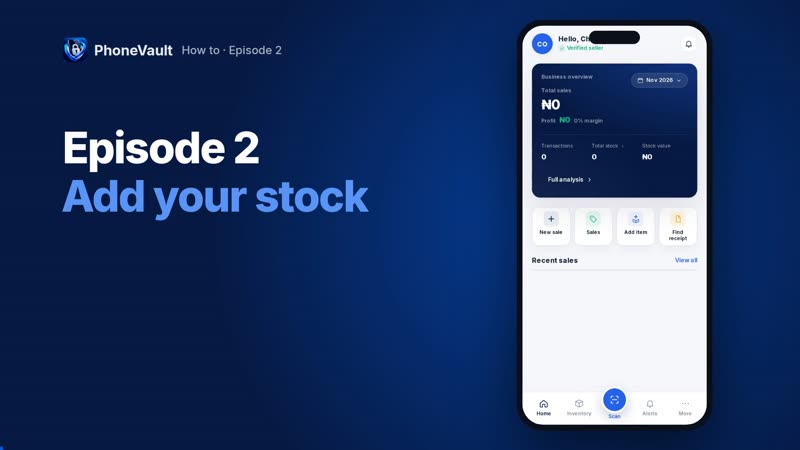
Add stock
Add a new phone, a used phone bought from a walk-in, and accessories.
 1:47
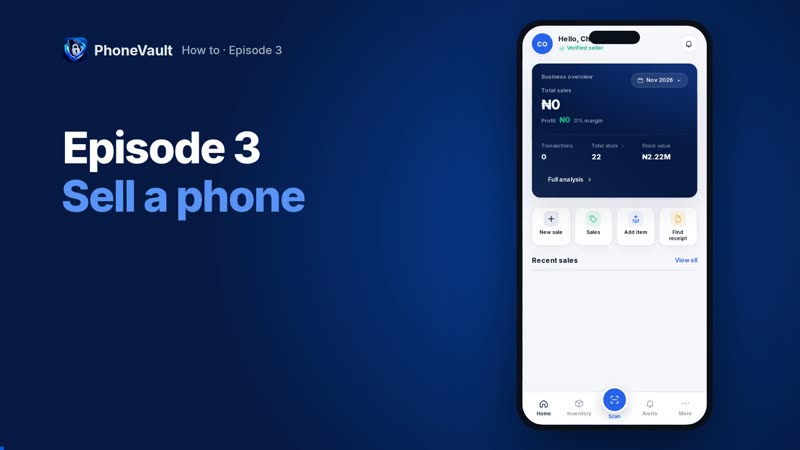
Make a sale
Sell, take payment and send the receipt on WhatsApp or by email.
 1:44
Swap a phone
Take the customer’s phone in part payment and sell them another.
 1:07
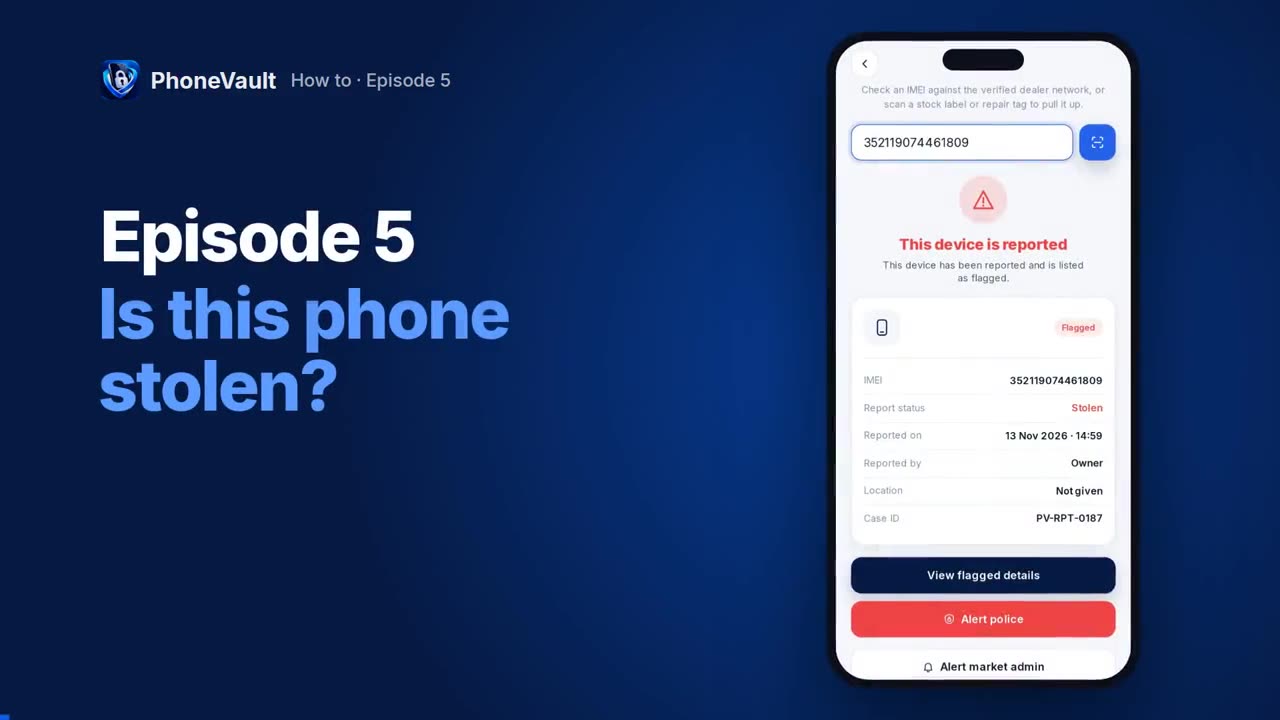
Is this phone stolen?
Check any phone before you buy it or add it to your stock.
 1:48
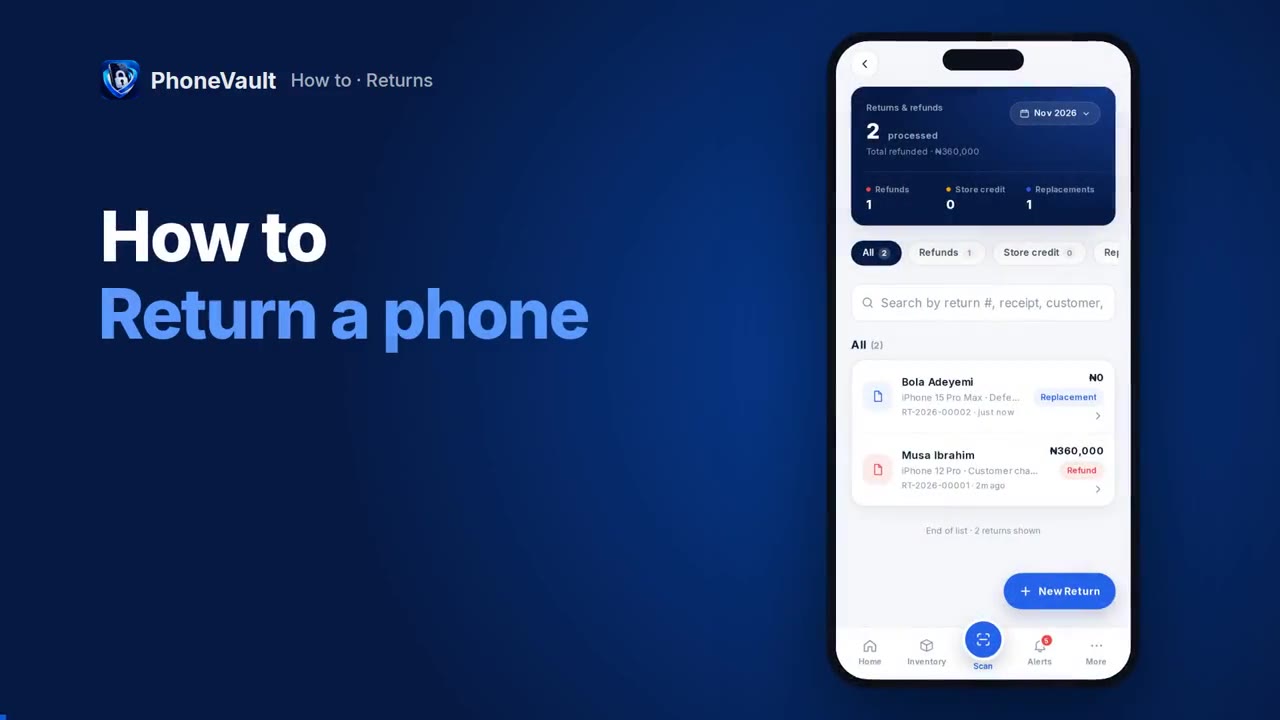
Return a phone
Give a refund, or swap a faulty phone for a new one.
 1:42
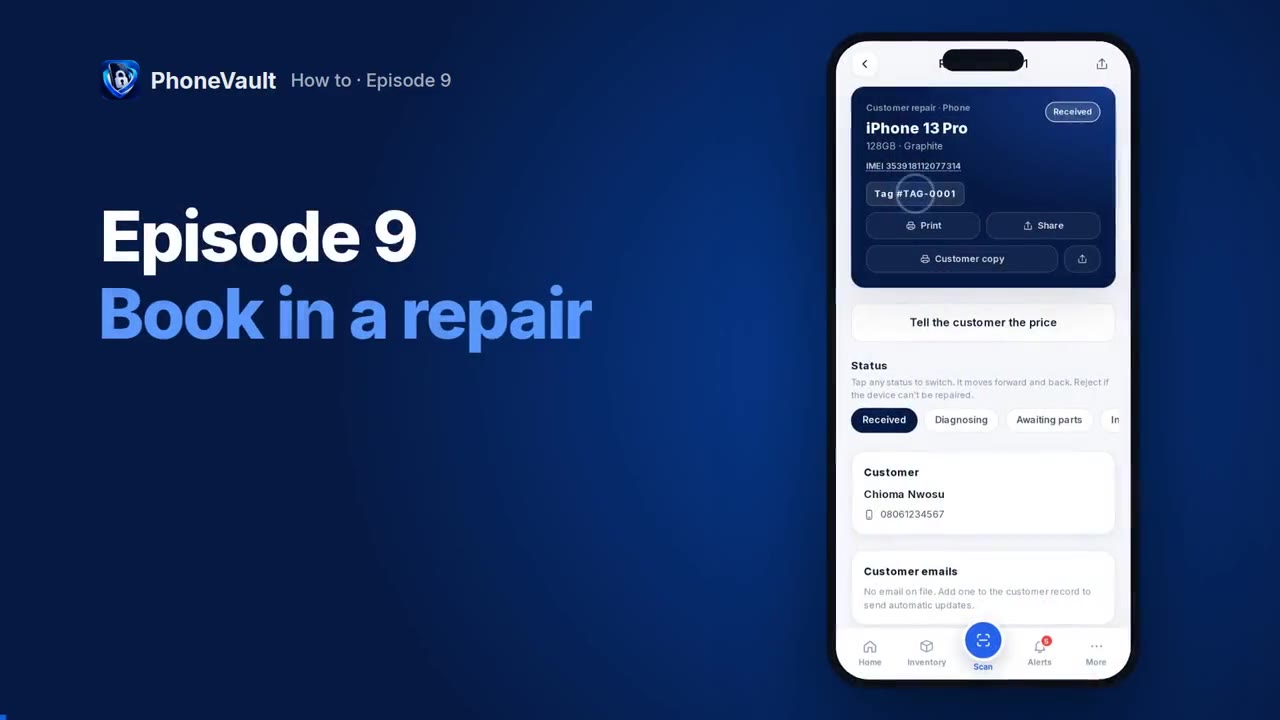
Book in a repair
Book in a broken phone, agree the price with the customer and hand it back fixed.
 1:53
Find a phone in your market
Search other shops in your market and take a phone on consignment.
 1:21
Buy from a dealer in another state
Order from a PhoneVault dealer in another market and receive it into stock.
 1:26
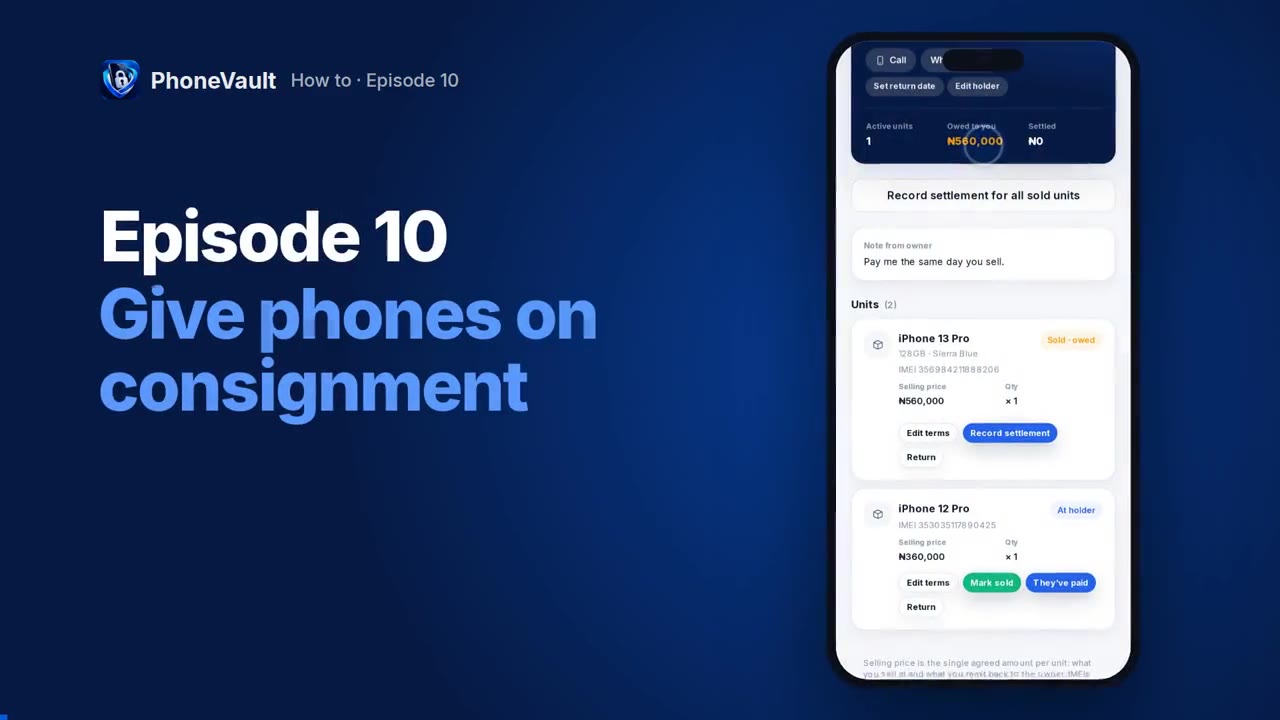
Give phones on consignment
Give phones to another dealer to sell for you, and get paid when they sell.
 1:40
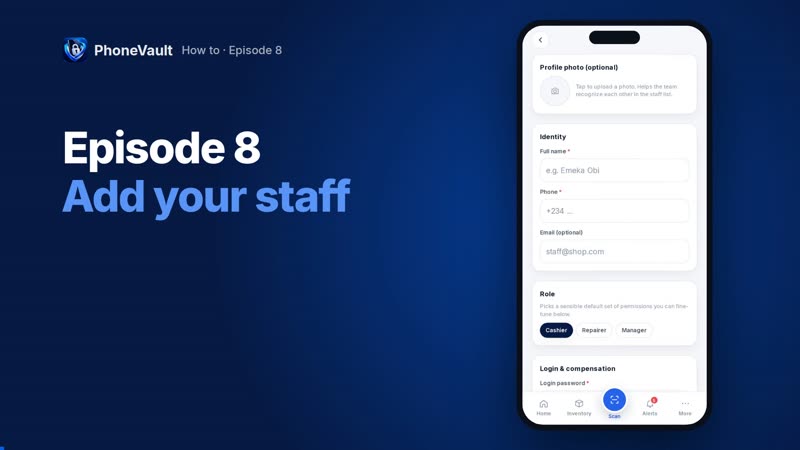
Add your staff
Give a staff member their own login and choose what they can do.
 1:41
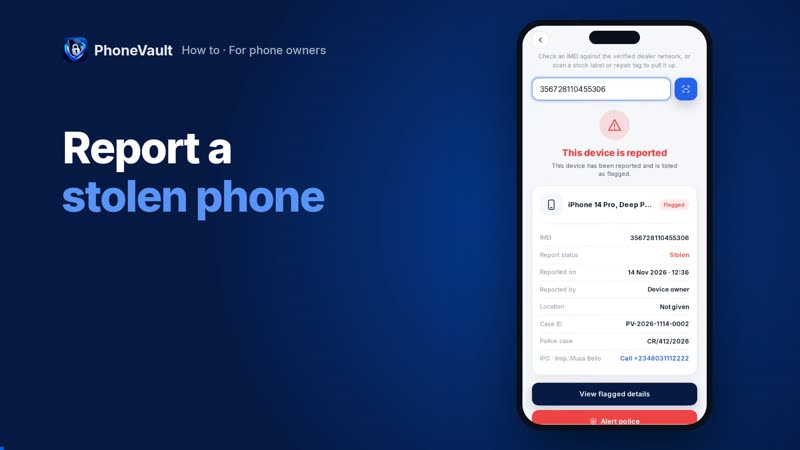
Report a stolen phone
Report your phone so every PhoneVault dealer who checks it sees it.